
Everything you need to plan, remember and finish.
Tasks that stay manageable
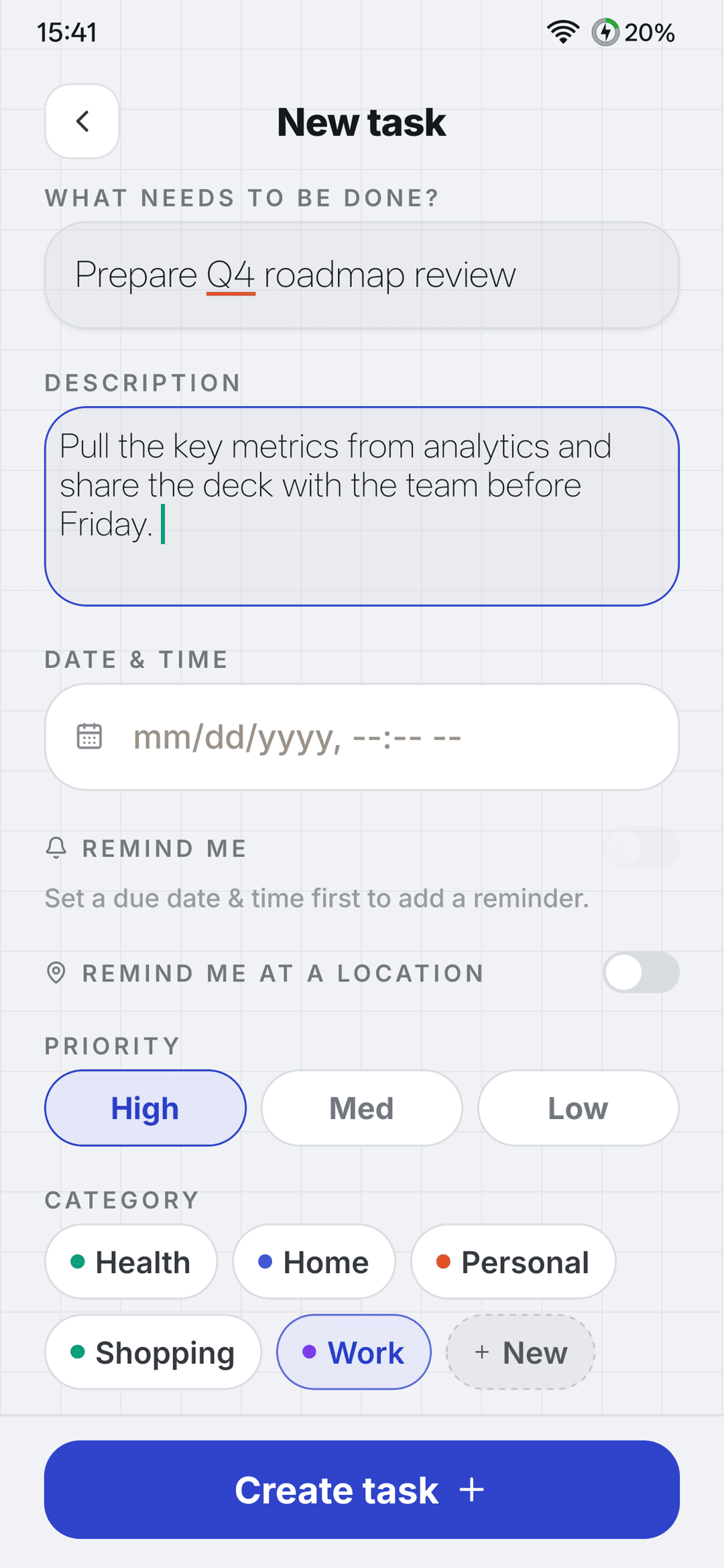
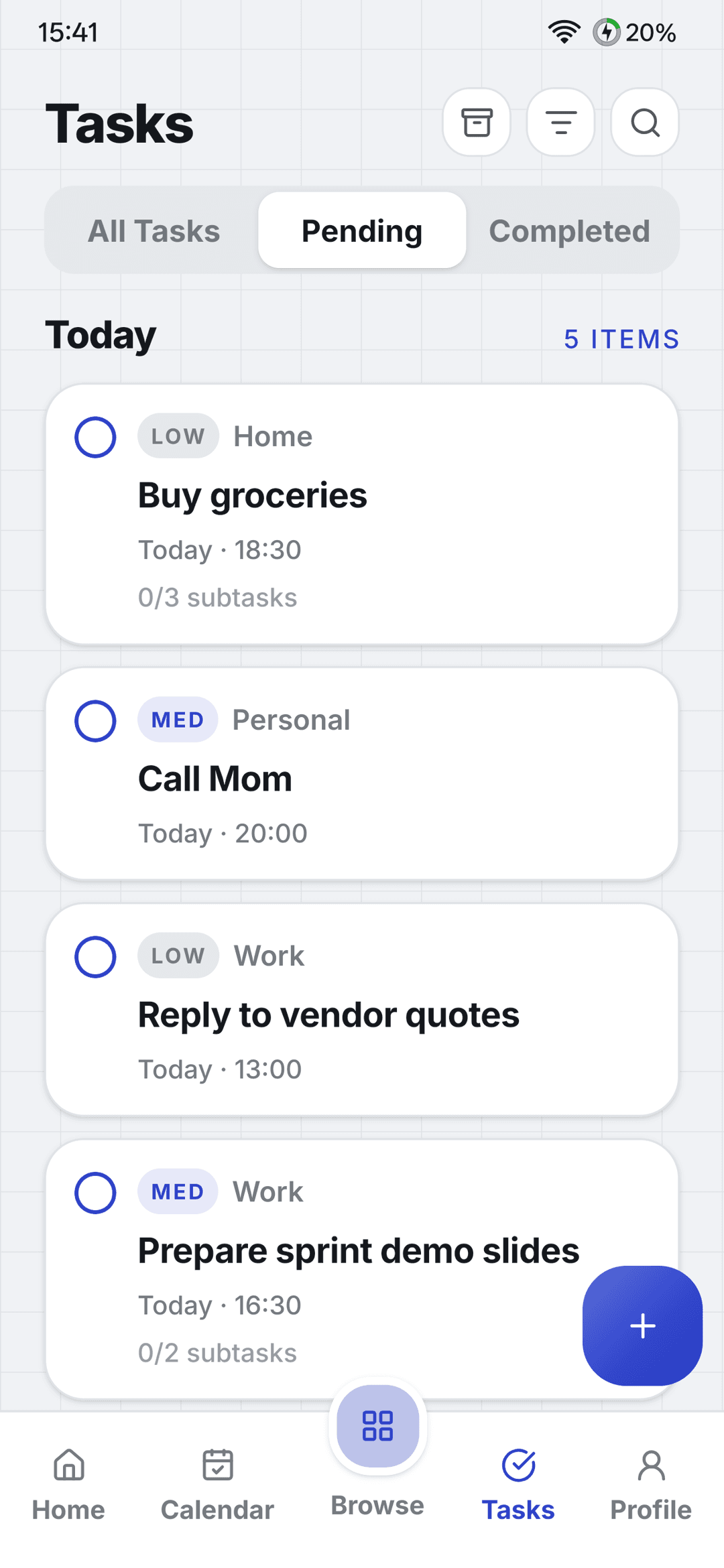
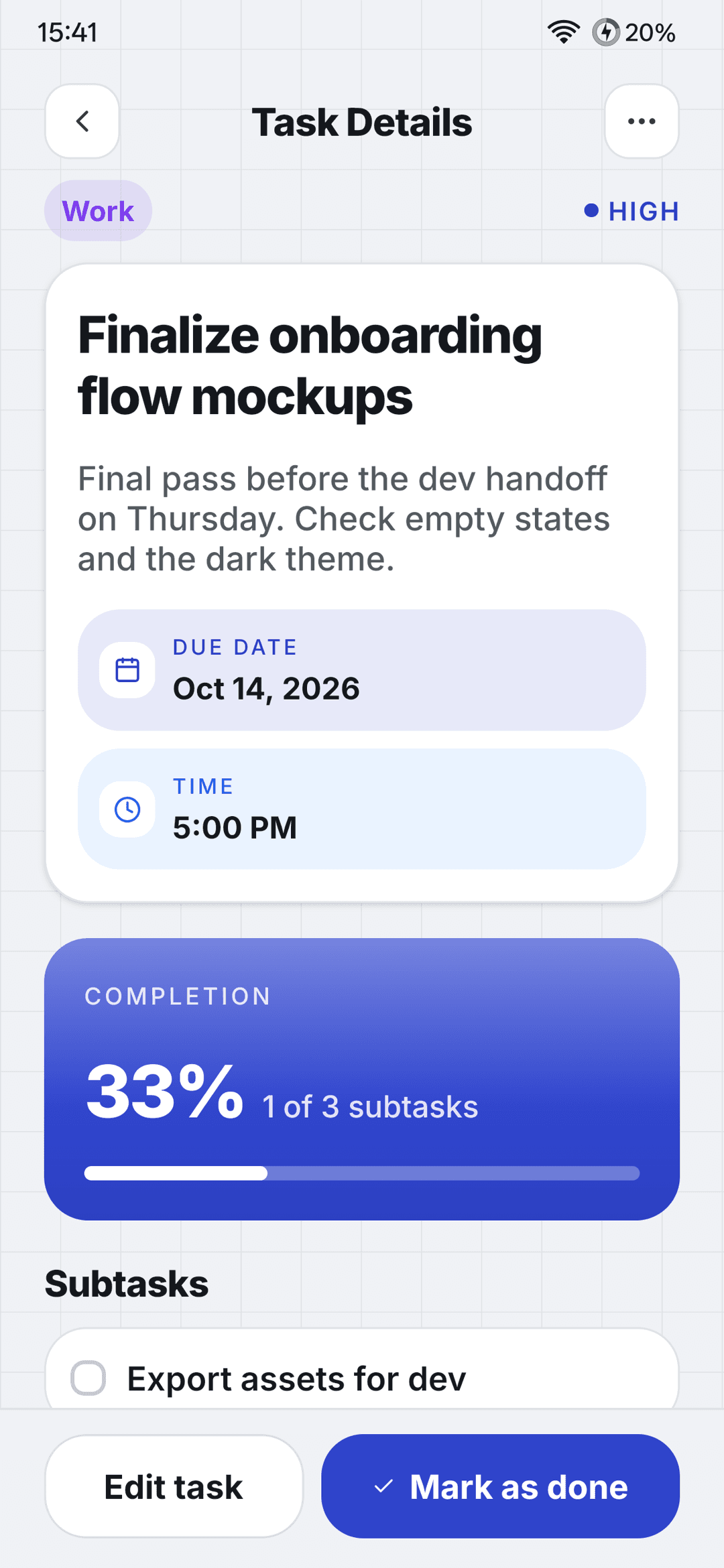
Big goals become small steps, and important things don’t slip away. Organise every task with priorities, categories and due times, then let MaxPlanner keep reminding you until it’s done.
- Subtasks, priorities, categories, due dates and times
- Attachments, search, archive and a 30-day trash so nothing is lost by accident
- “Keep reminding me until done”: every hour, every 3 hours or daily
- Location reminders when you arrive near a place
Location reminders on tasks currently work within India.
Habits and streaks
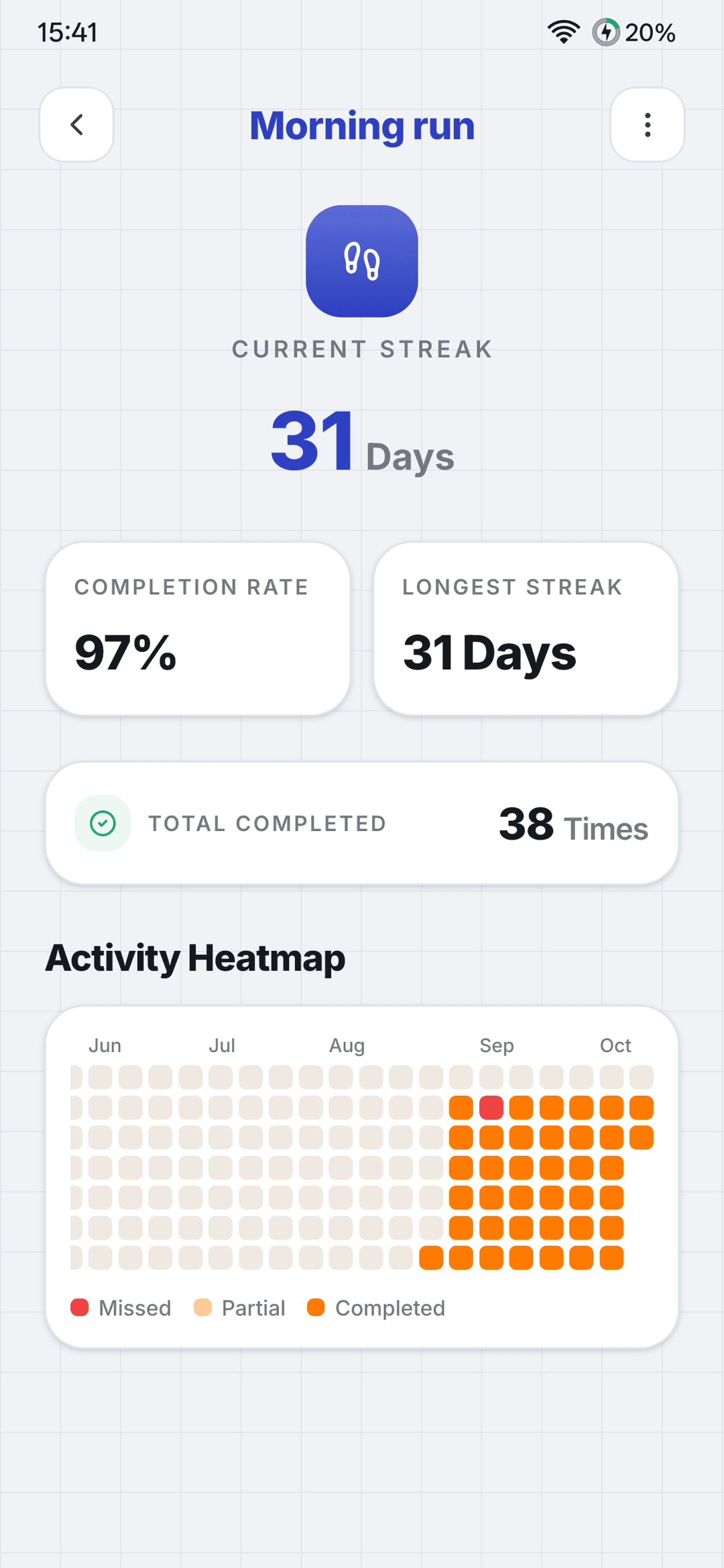
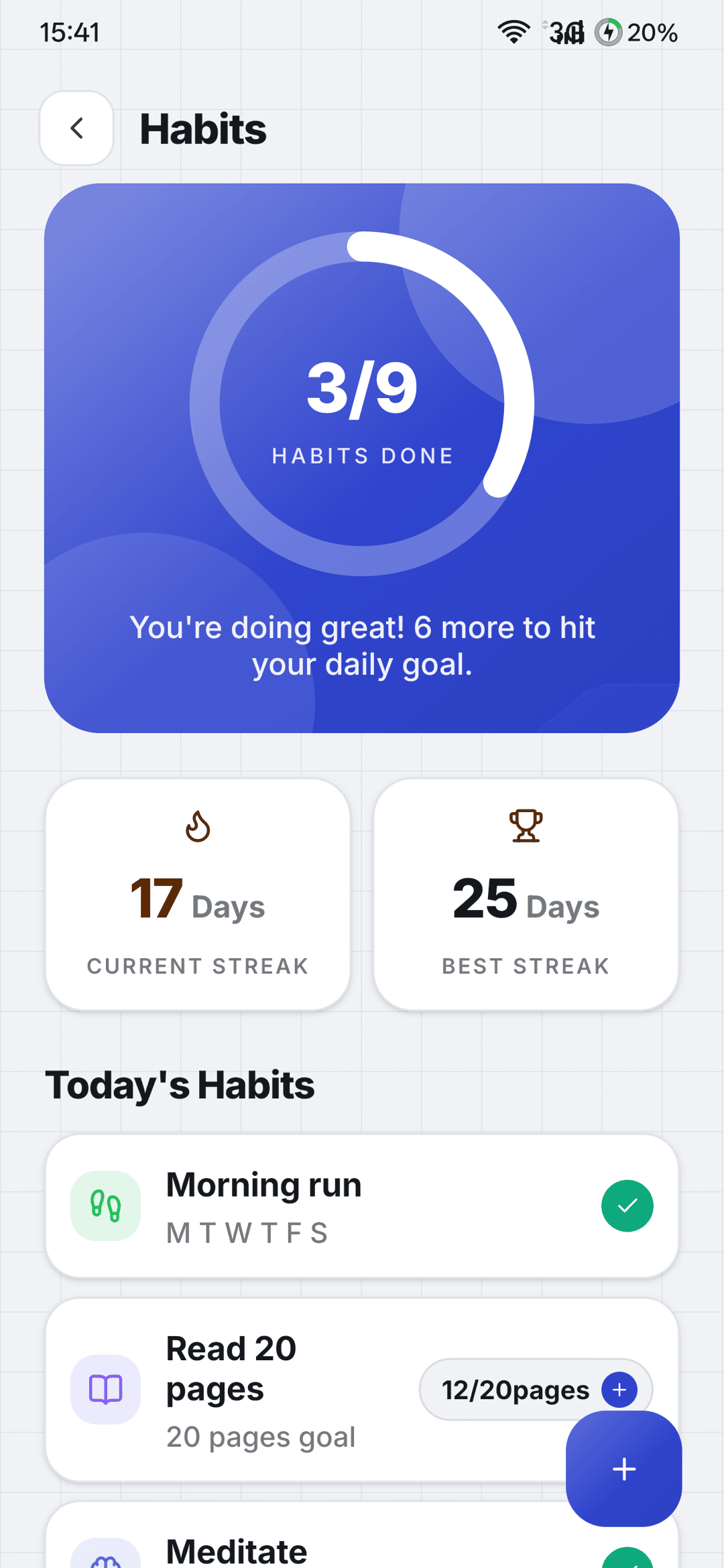
Build routines you can see yourself keeping. Track habits the way they actually happen, and watch your streaks and history grow.
- Daily, specific-day and period-based habits
- Count-based or simple checkbox habits
- Current and best streaks, plus a heatmap of your history
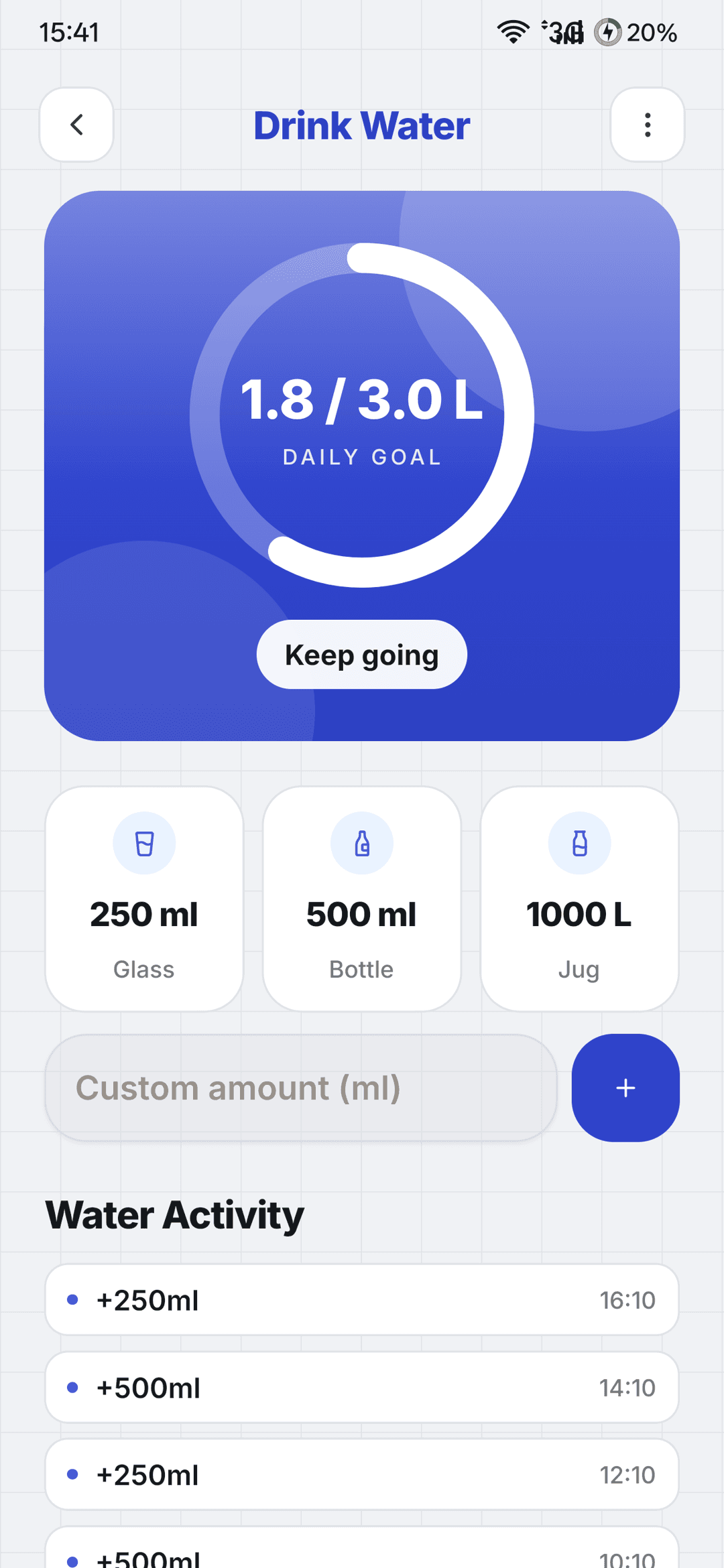
- Water tracking with a daily goal and interval reminders
Smart reminders for real life
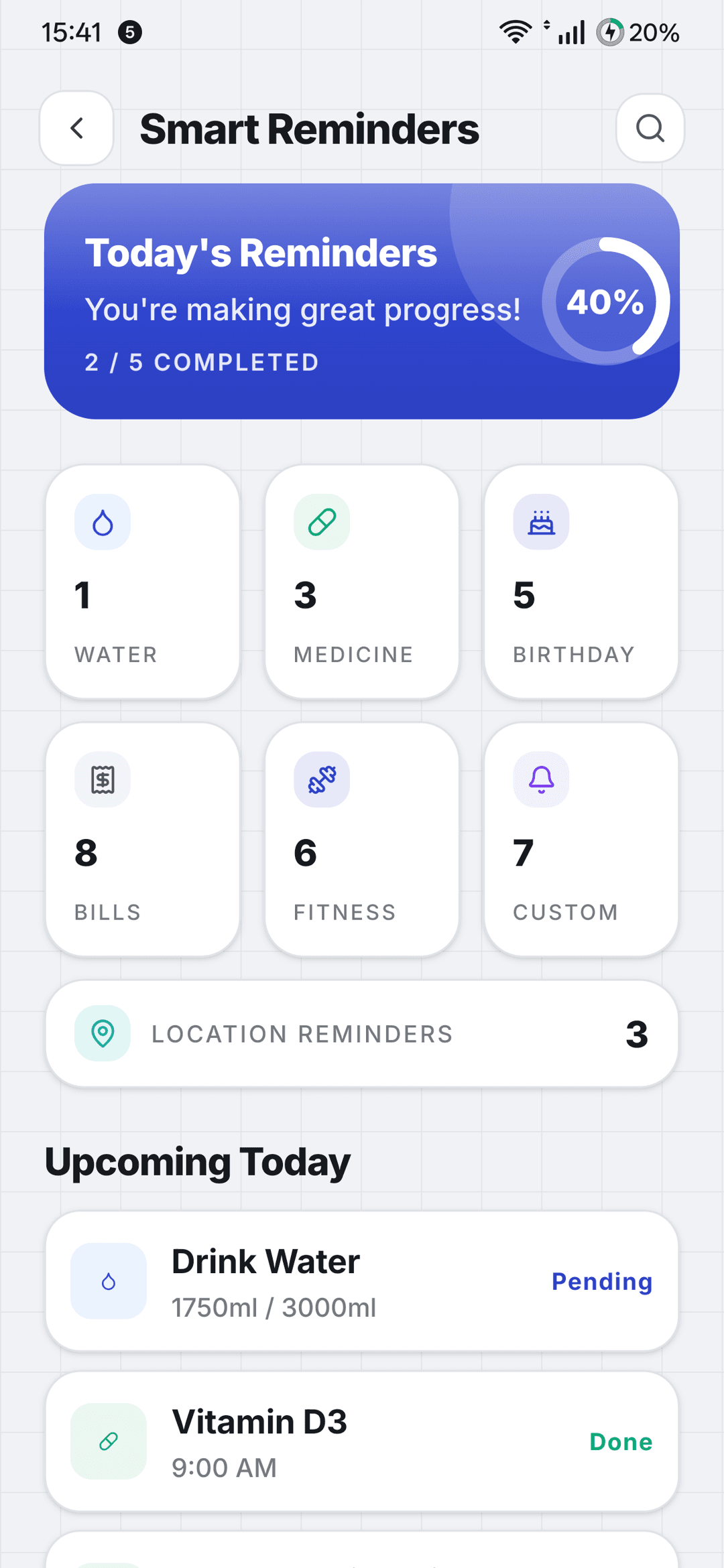
The things people usually forget, handled. Each reminder type is built for its job, so you get the right nudge with the right details.
- Medicine: dosage, meal timing, taken or skipped
- Birthdays: countdowns with call and WhatsApp shortcuts
- Bills and subscriptions: due dates, auto roll-forward and payment history
- Custom reminders with your own tags, and place reminders that fire when you arrive
Place reminders currently work within India.
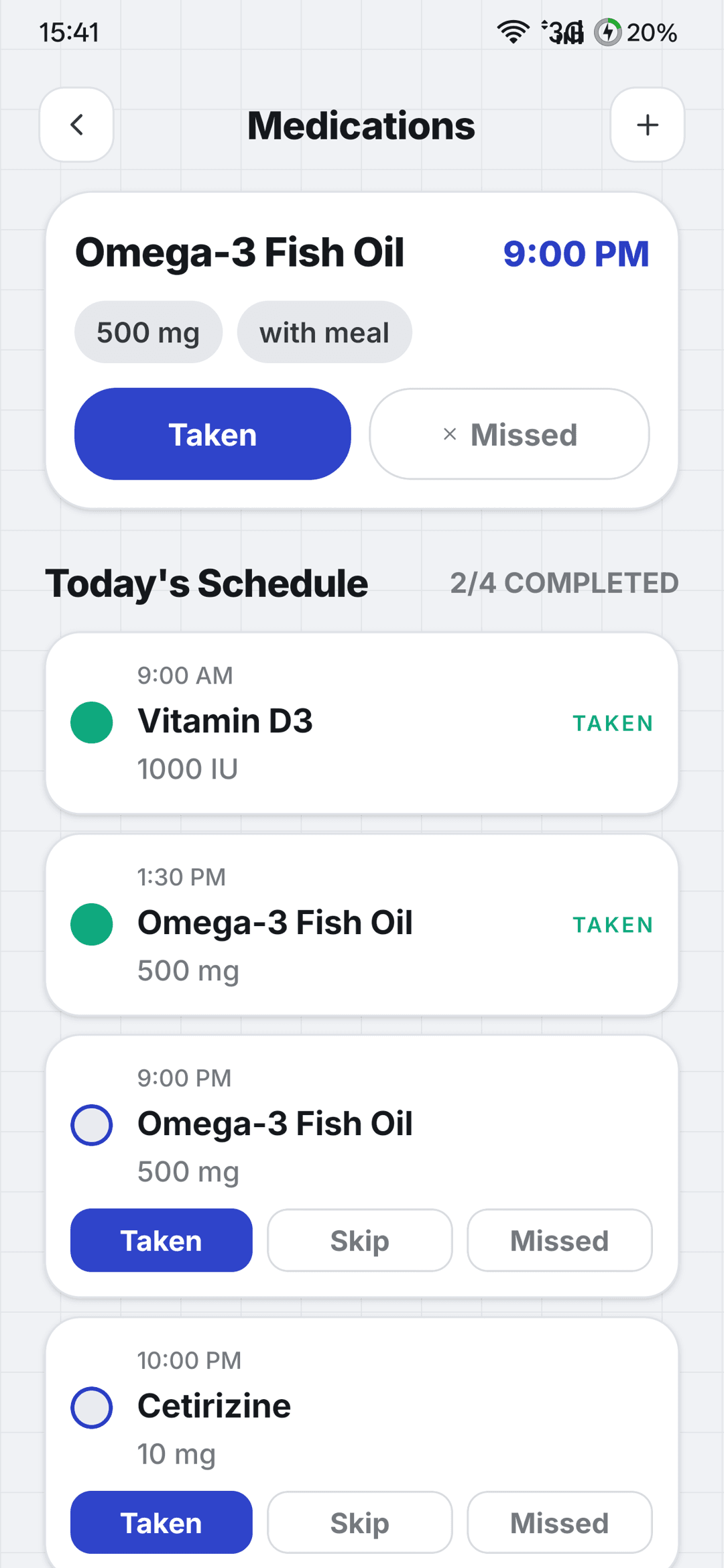 MedicineDosage and meal timing
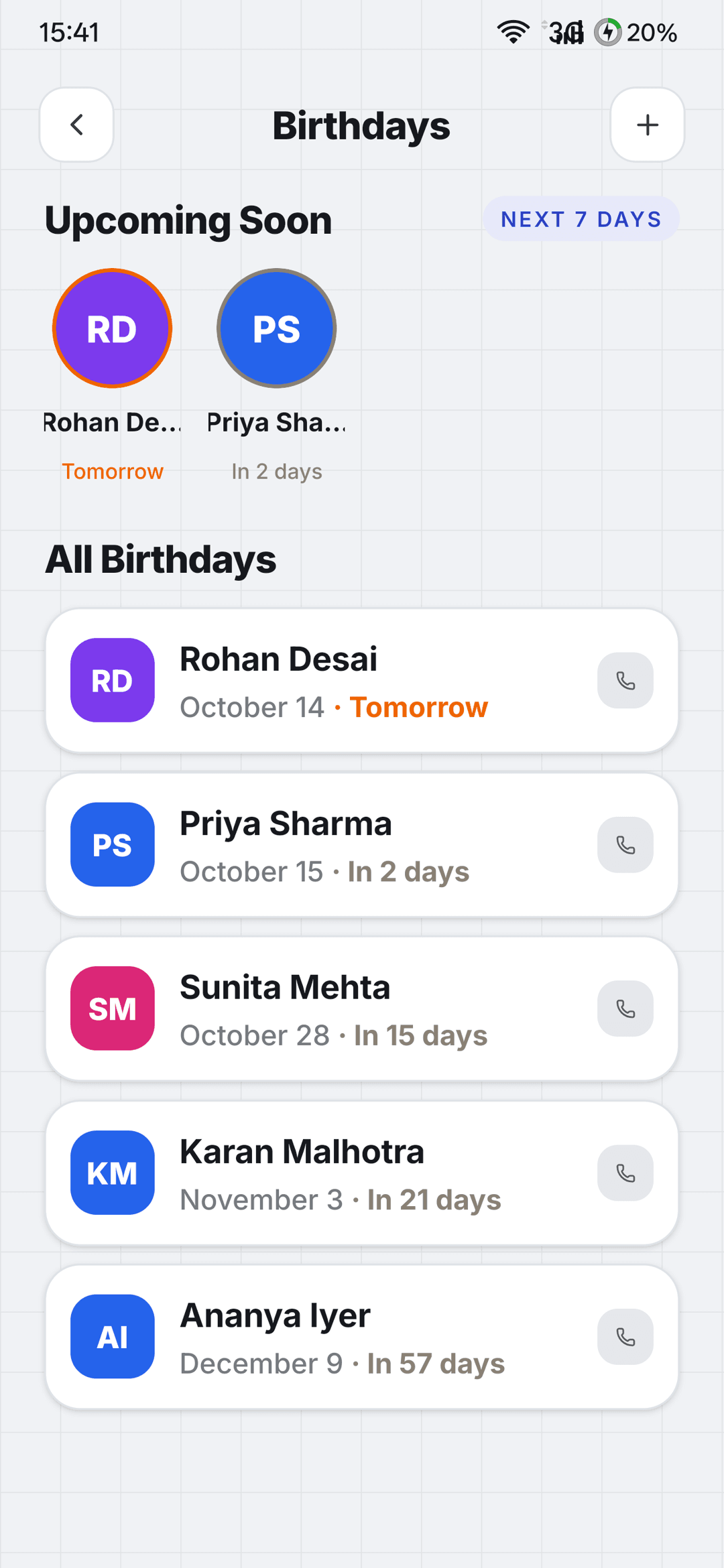 BirthdaysCountdown and shortcuts
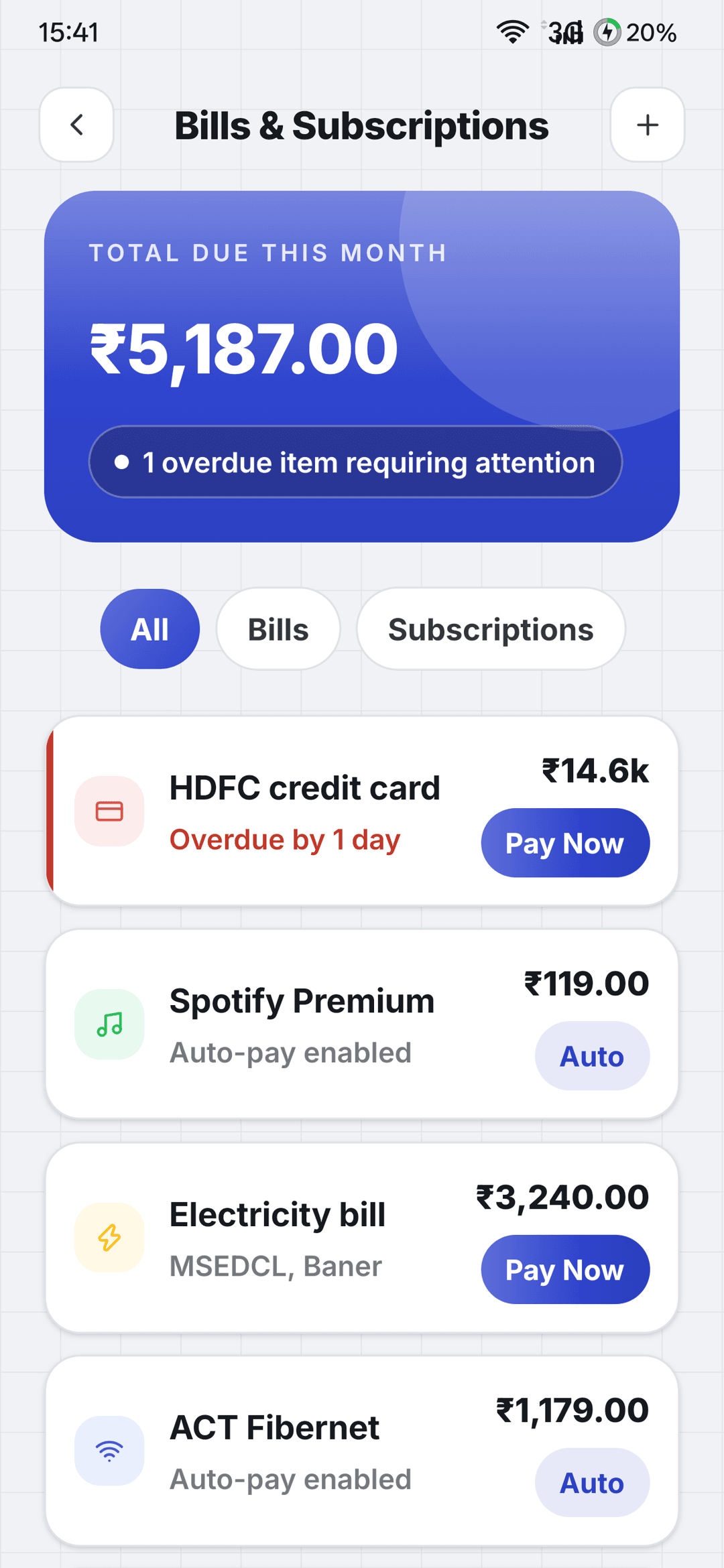 Bills and subscriptionsDue dates and history
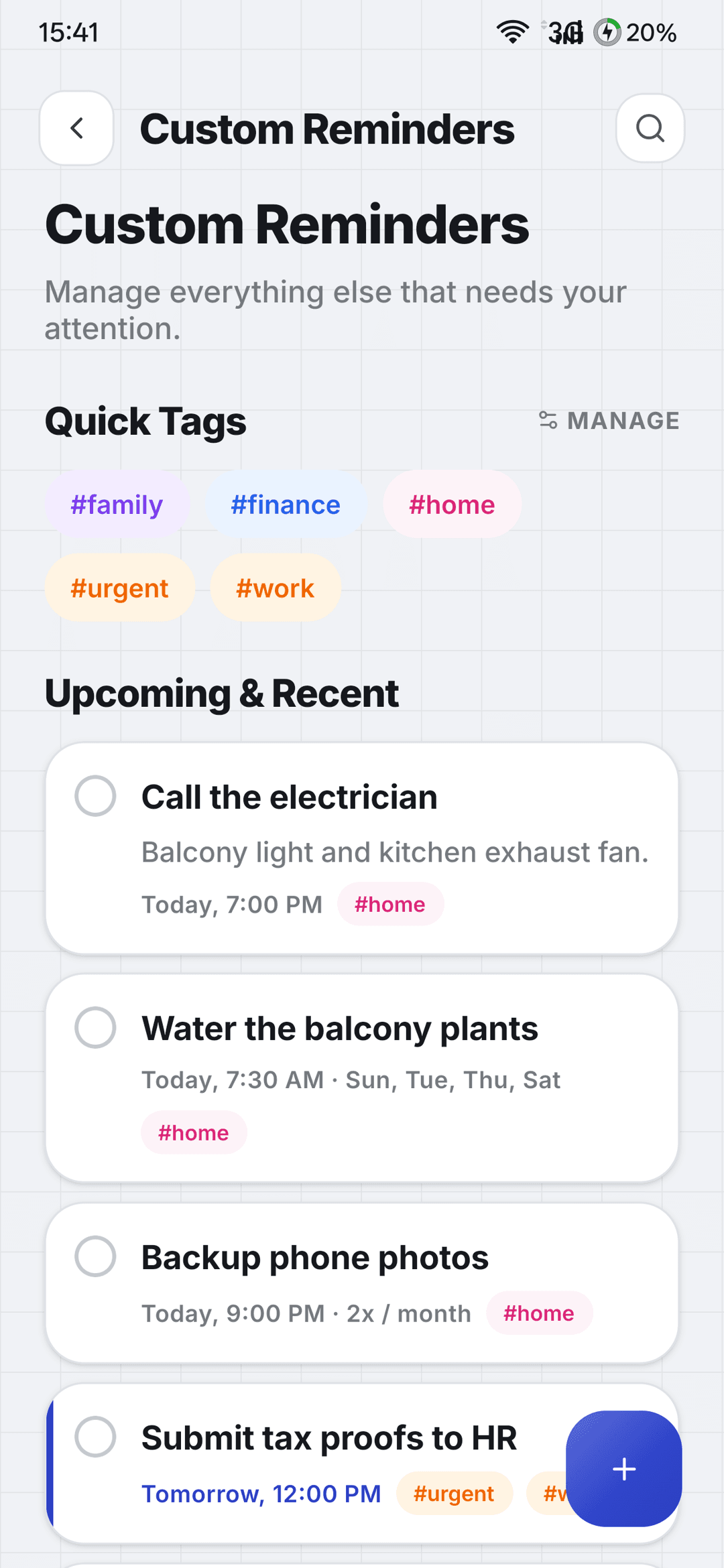 Custom remindersYour own tags
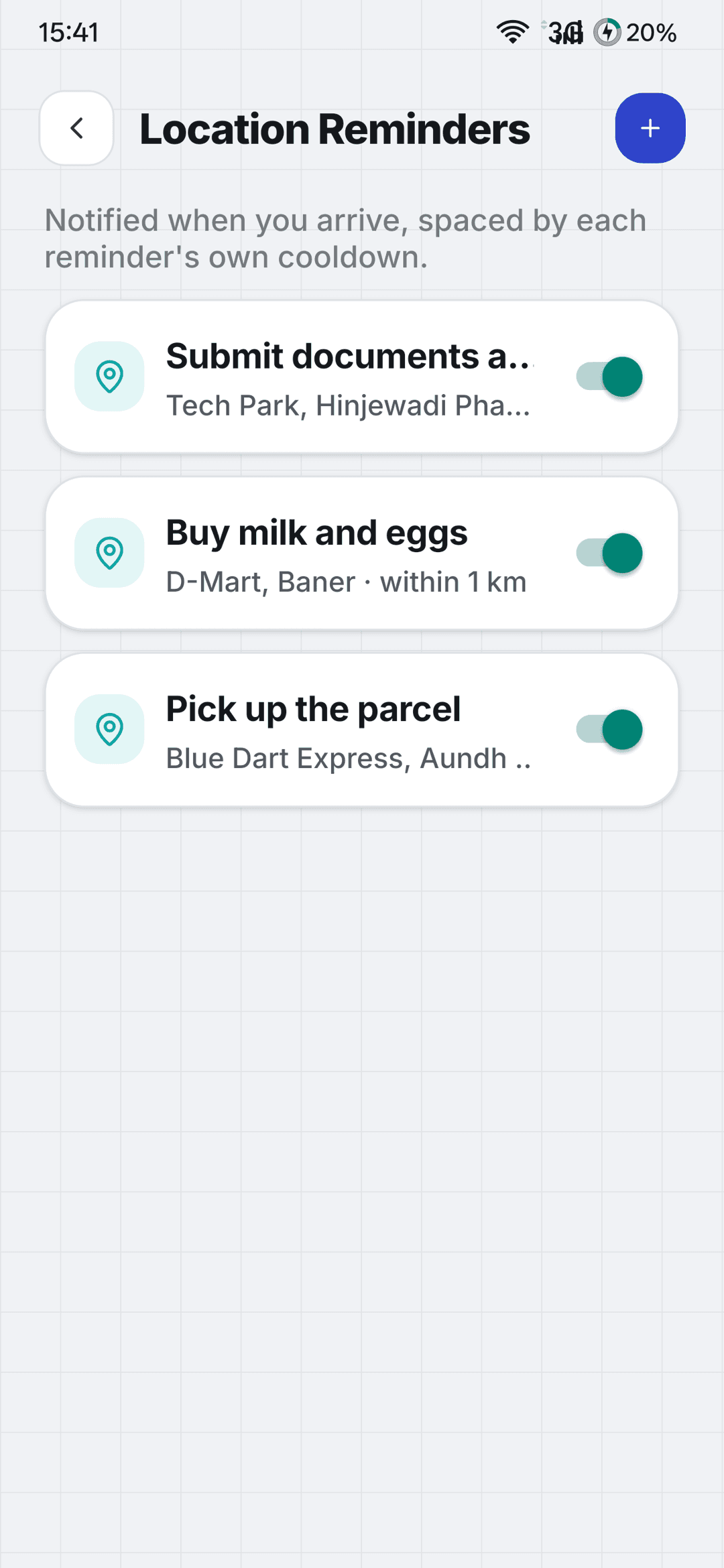 Place remindersFire when you arrive
One honest picture of your day
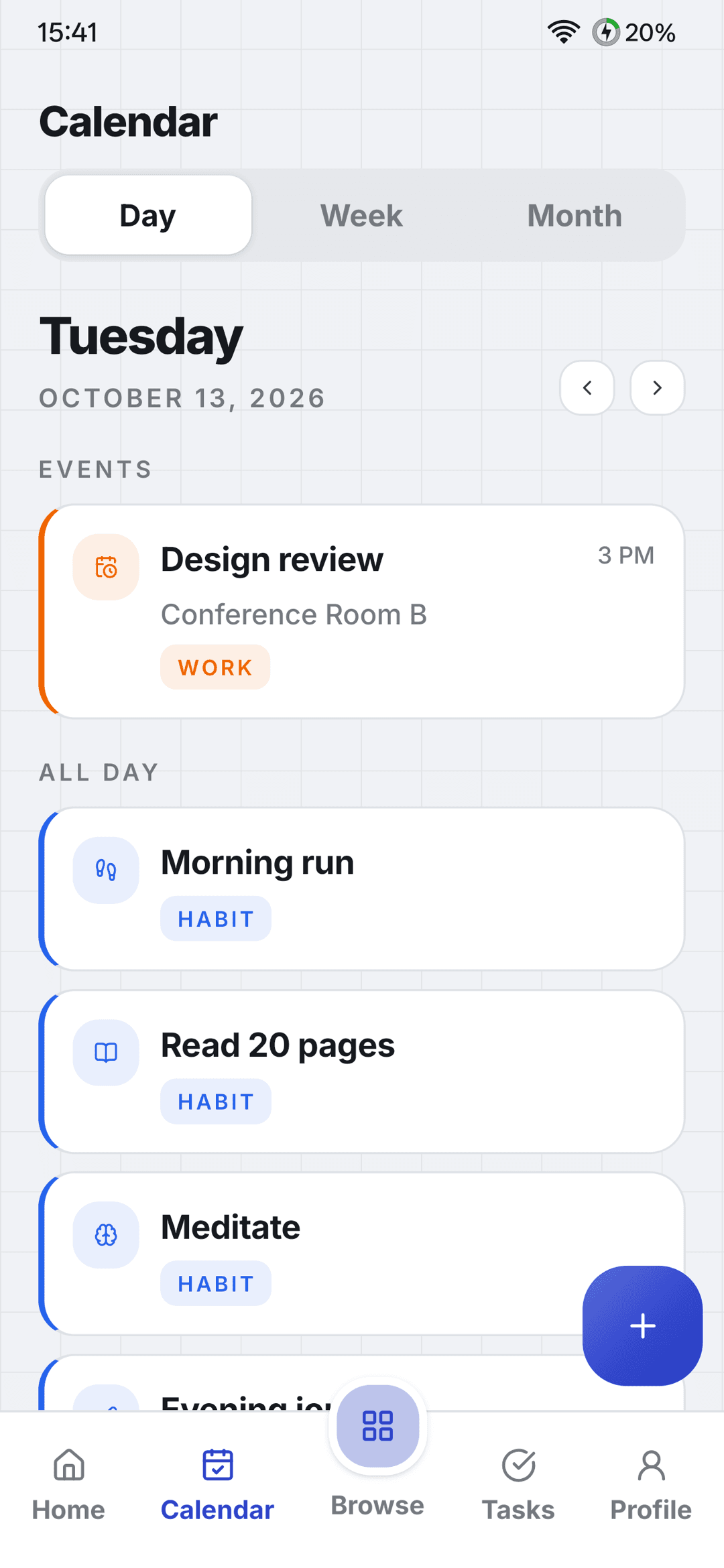
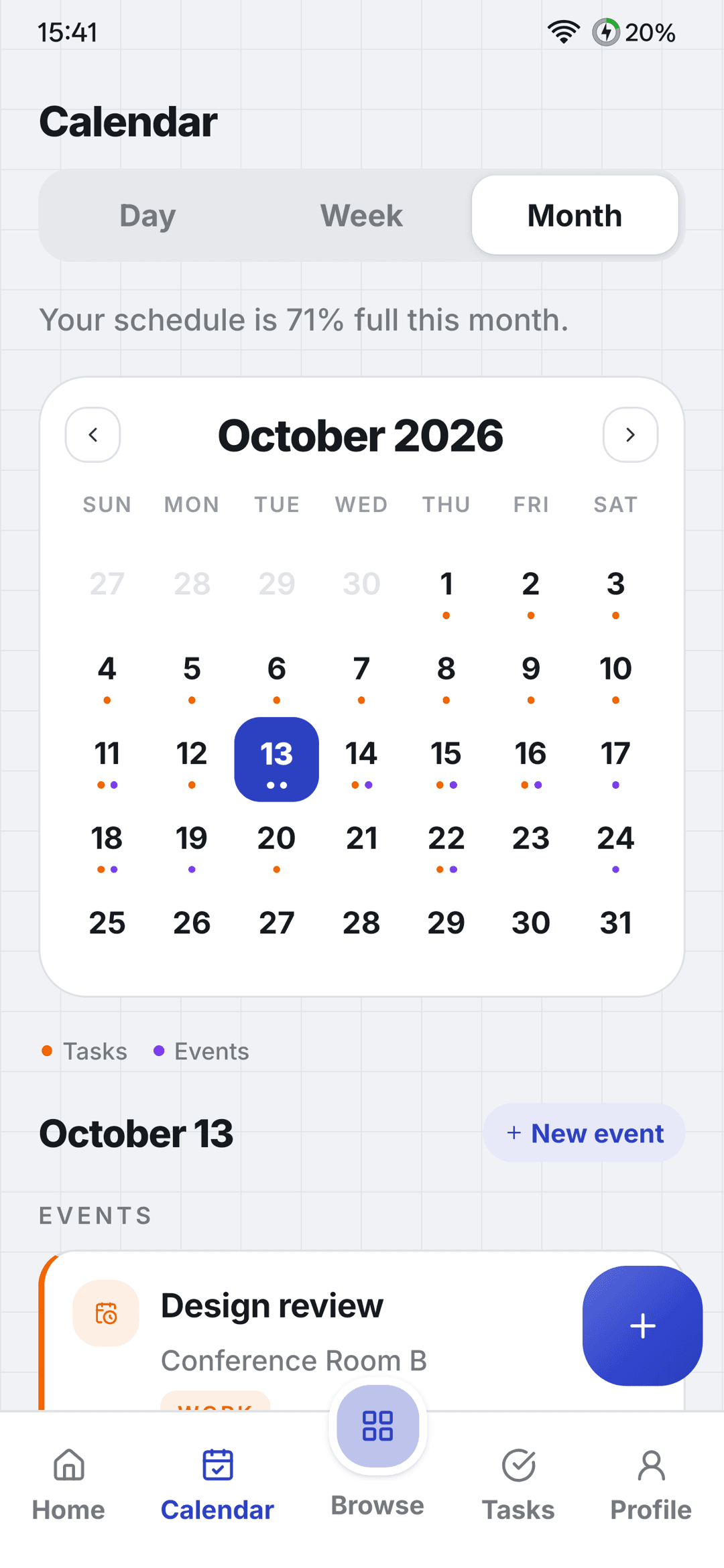
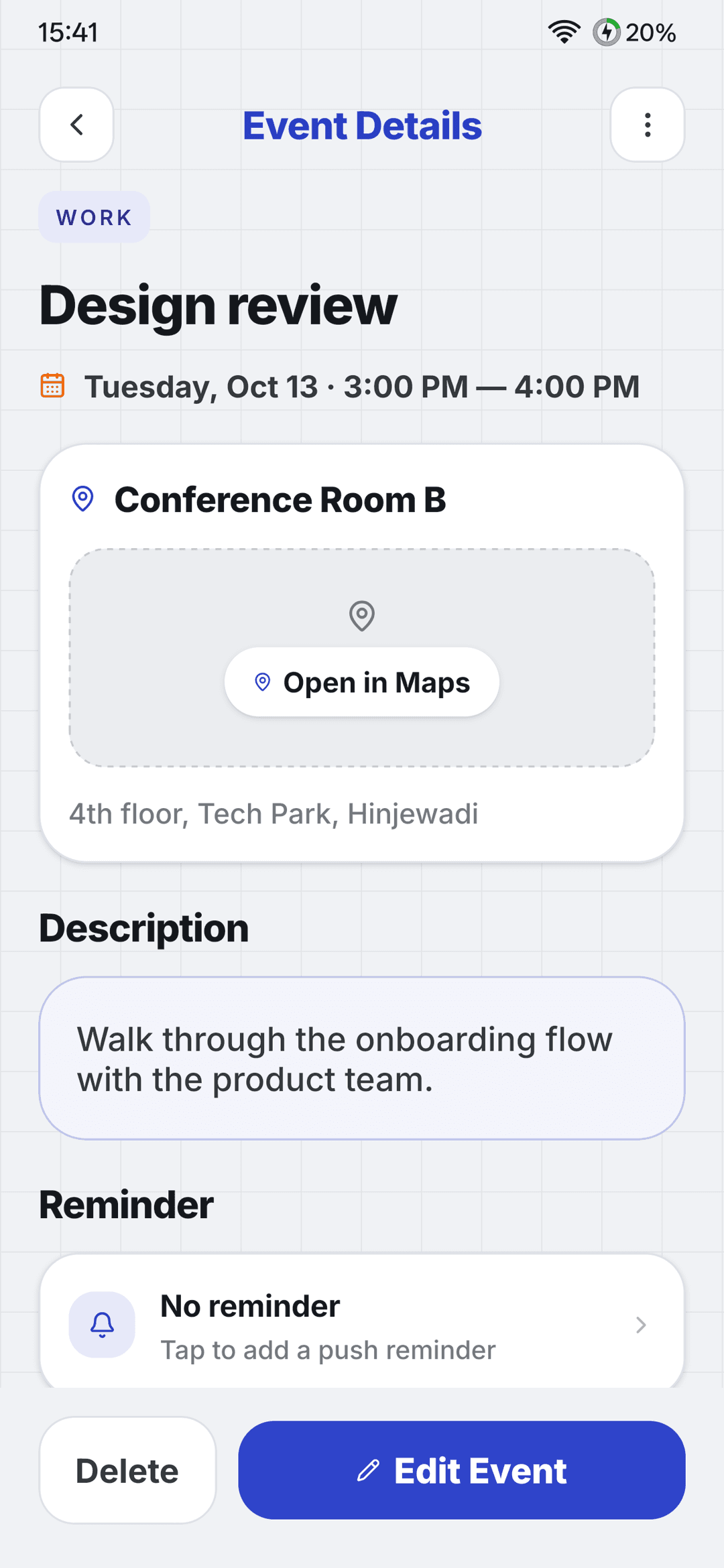
See events and tasks together, so your plan matches the time you actually have. Zoom from a single day out to the whole month.
- Day, week and month views
- Events with time and location
- Your tasks shown right on the calendar
Ideas, next to the work
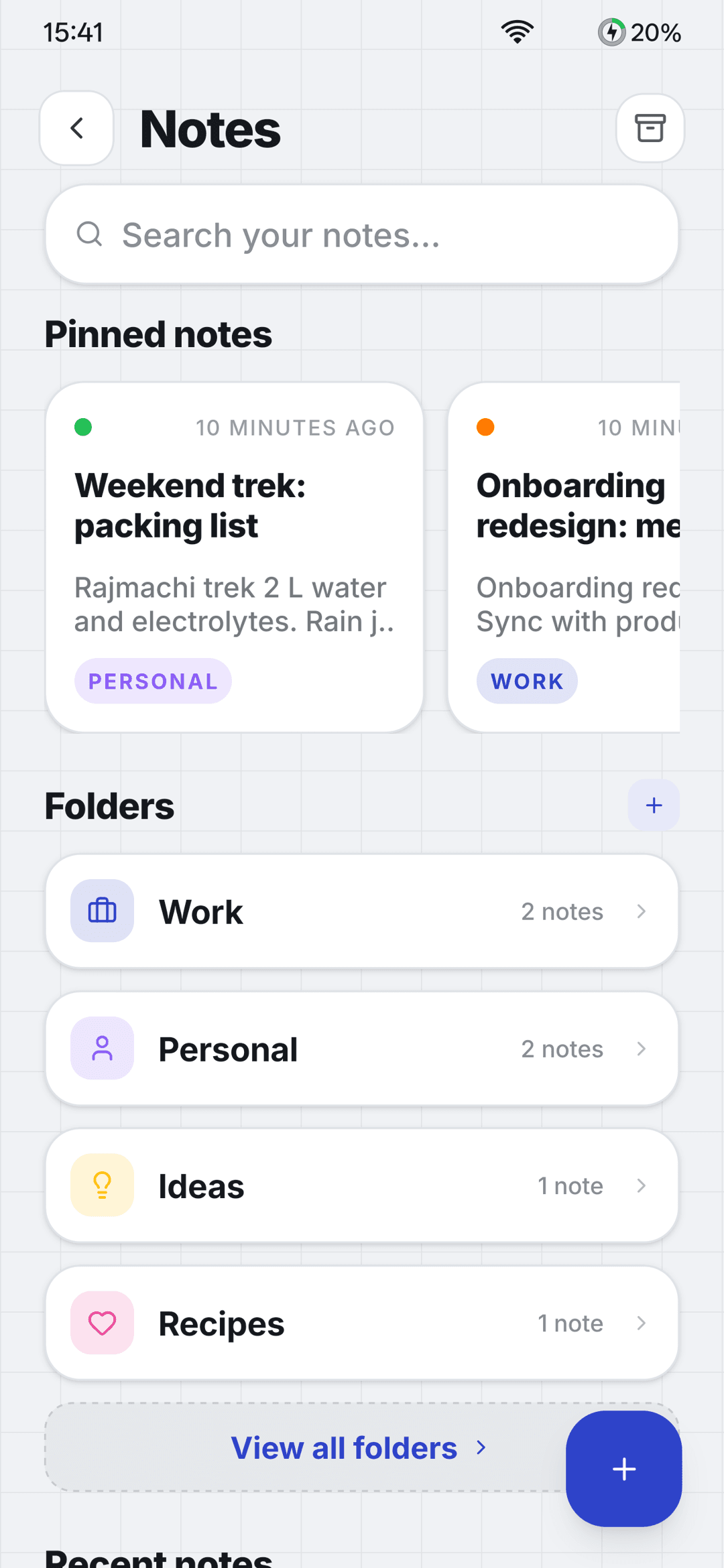
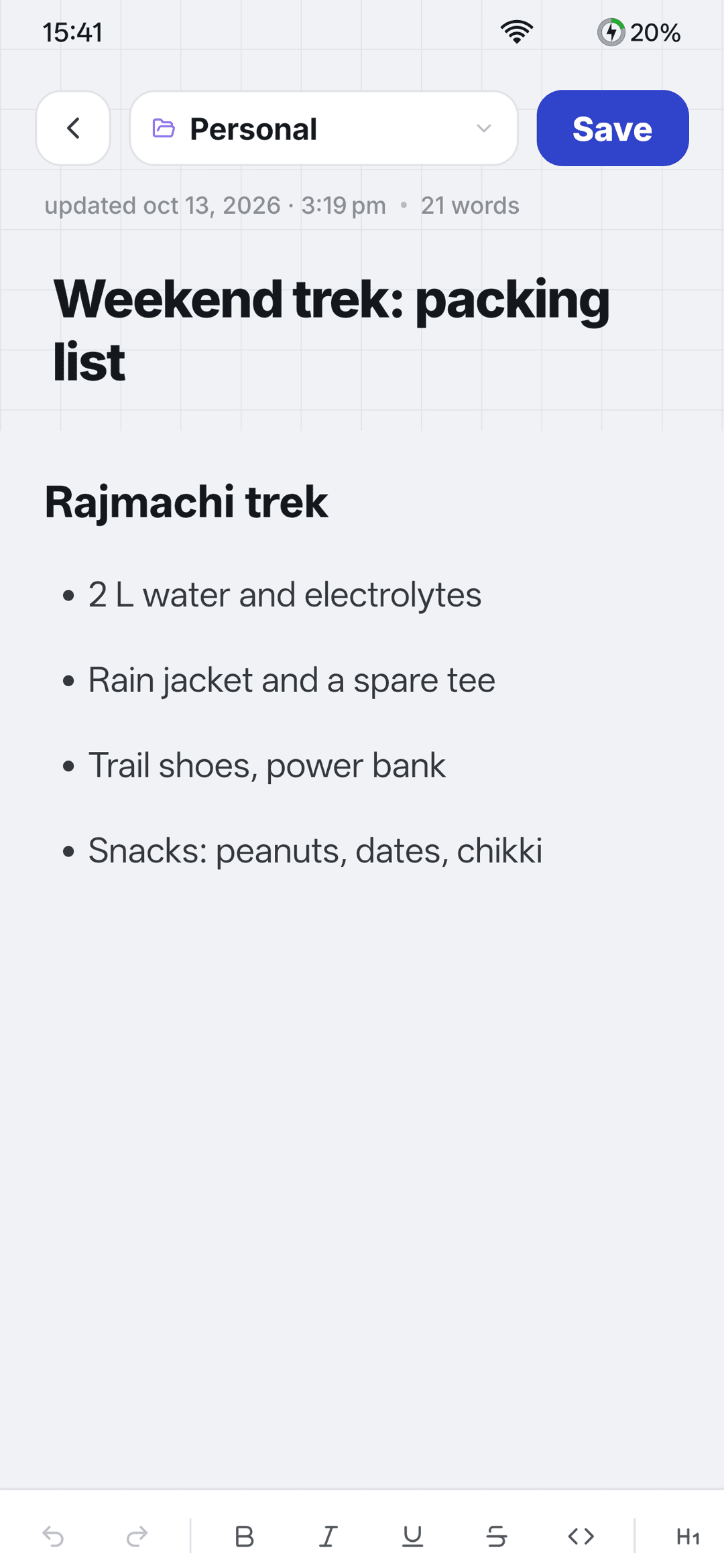
Capture ideas next to the tasks they belong to. Rich-text notes stay tidy with folders, colors and pins.
- Rich-text notes
- Folders and colors
- Pin the notes you need most
- Archive and trash
Focus mode
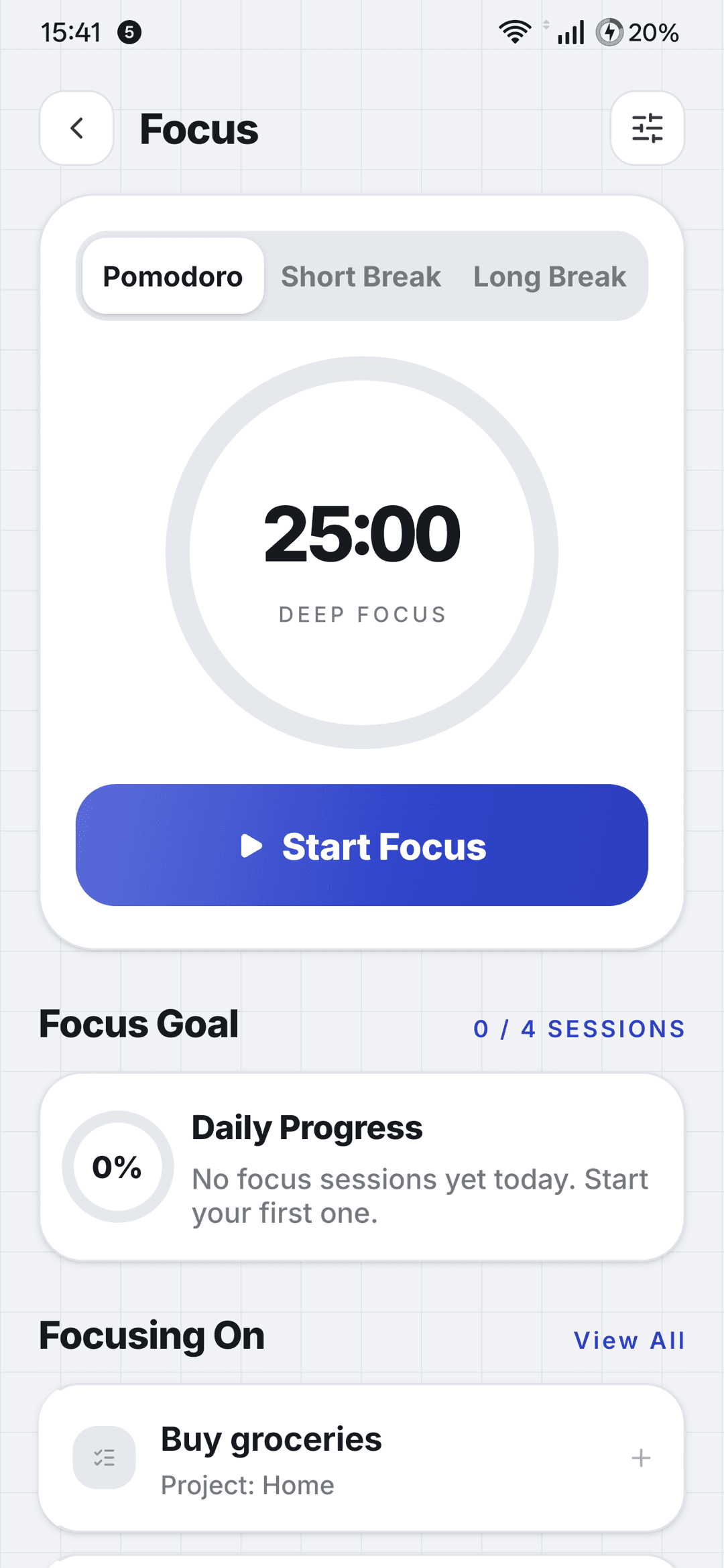
Protected time to actually finish things. Choose what you’re focusing on, start a session, and keep the timer visible while you work in other apps.
- Pomodoro timer with adjustable focus and break lengths
- A daily session goal and a “focusing on” task
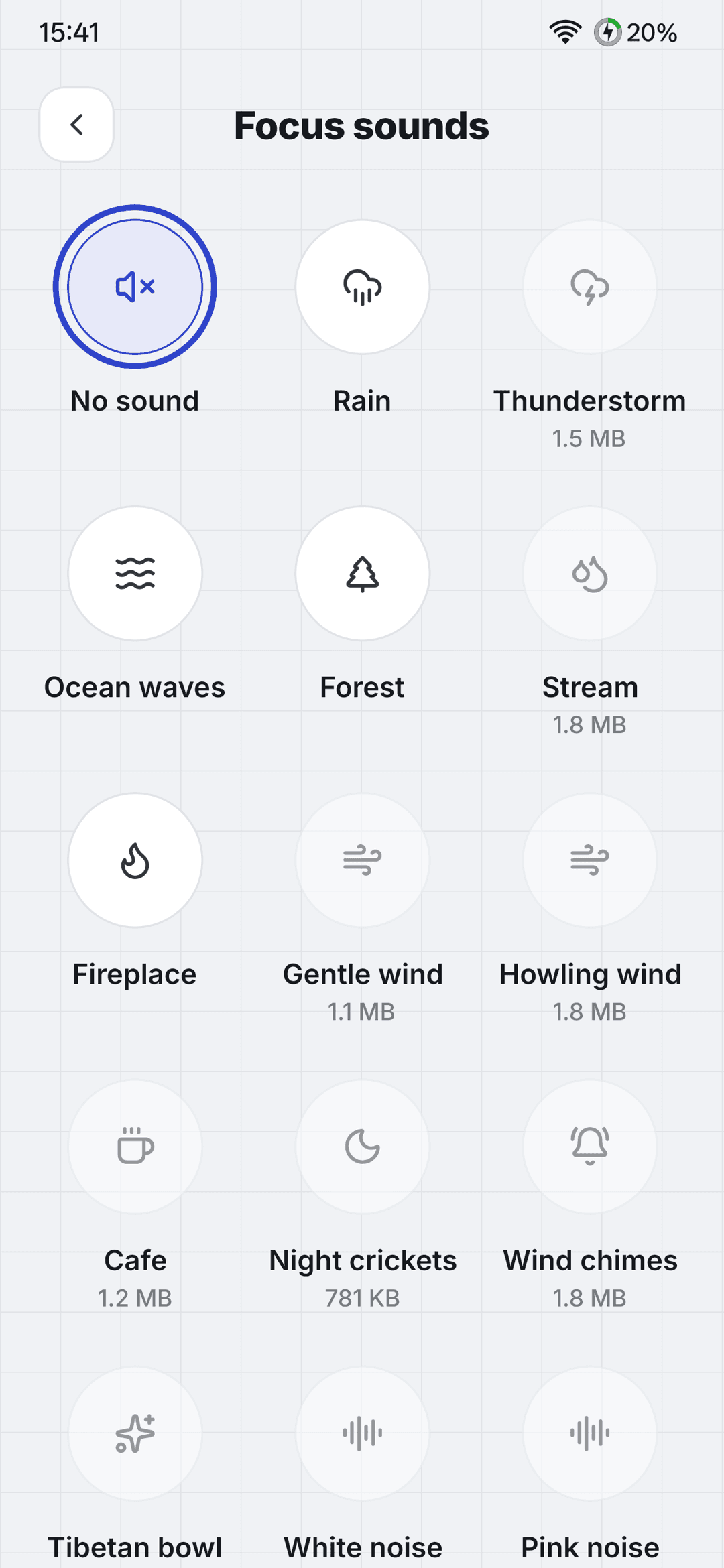
- Ambient sounds you download on demand: rain, forest, waves, white noise and more
- A floating mini-window so your timer stays visible in other apps
Training, planned with everything else
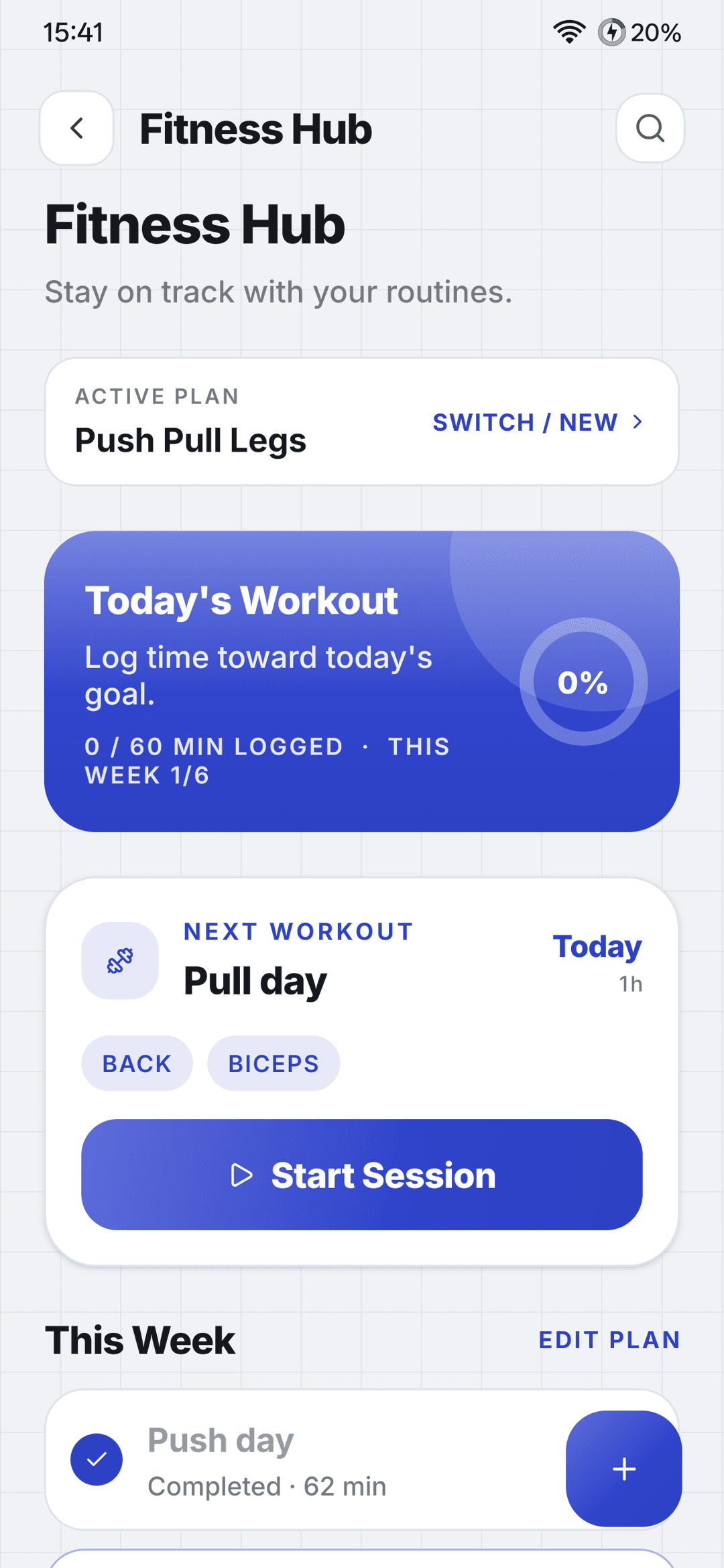
Keep your training plan with the rest of your life. Plan workouts, schedule the days and log every session’s time.
- Workout plans with exercises
- Scheduled days and workout reminders
- A session stopwatch that logs your time
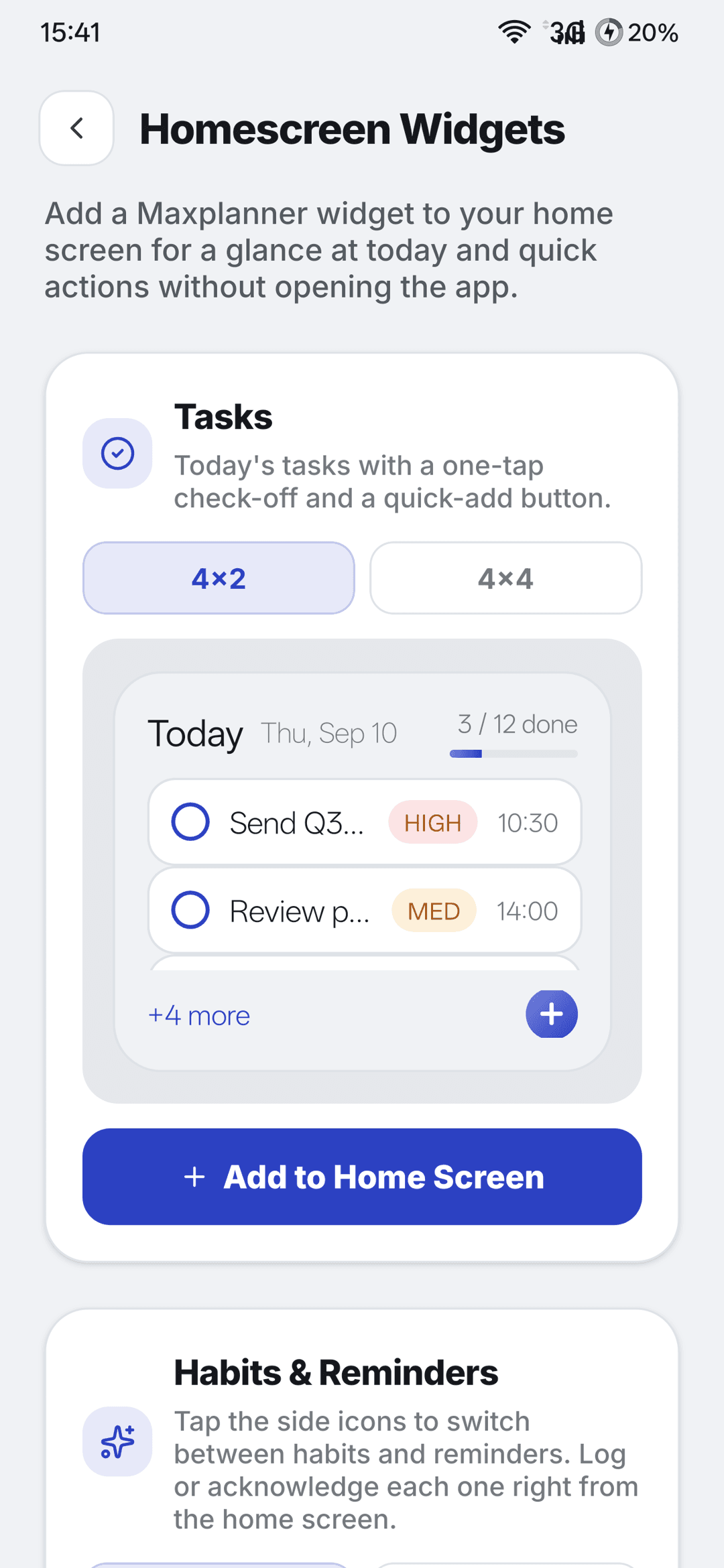
Widgets that keep your plan in sight
Your plan is one glance away. Check off a task or log a habit without opening the app.
- Tasks widget
- Habits and Reminders widgets
- A live Focus and Gym timer
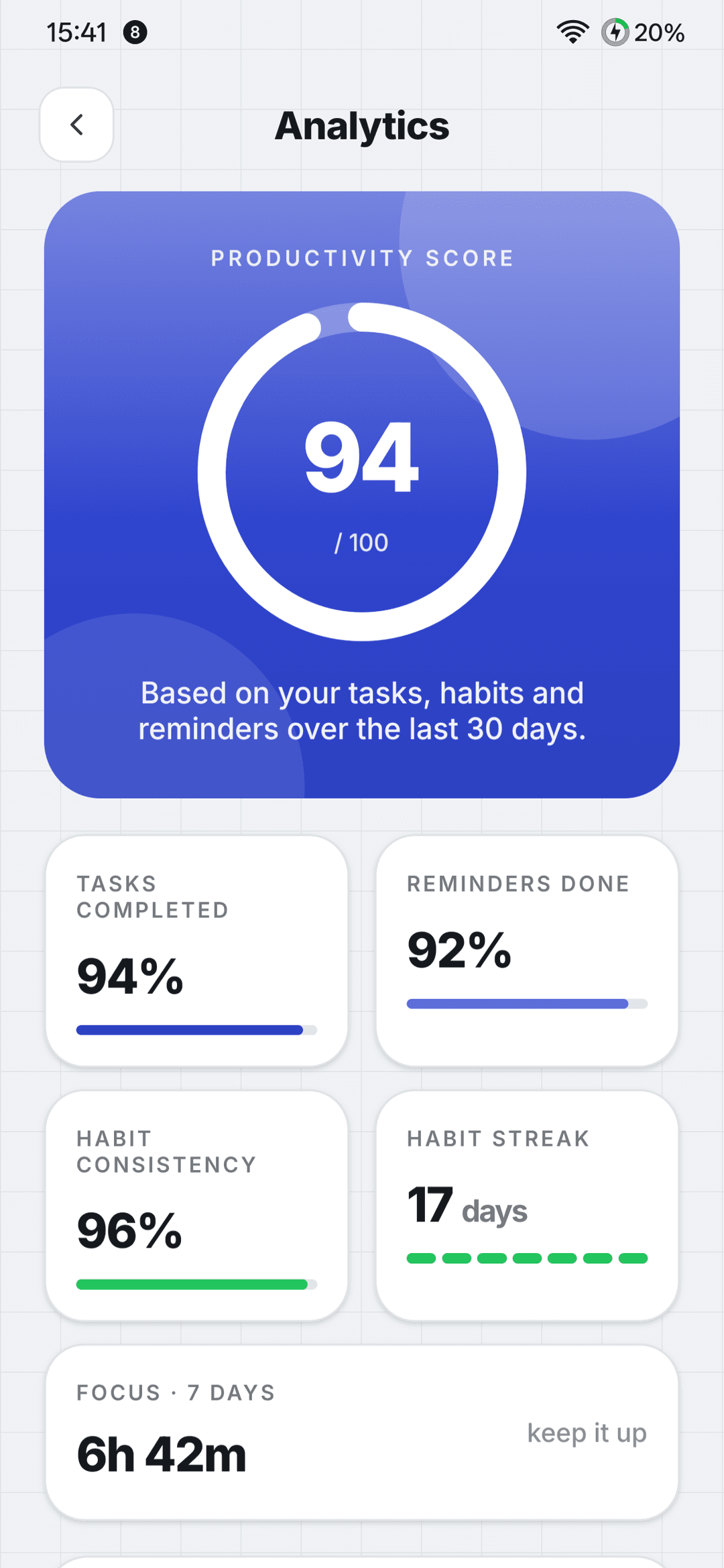
See what’s working, honestly
Clear views of how your tasks, habits, focus time and reminders are trending, over the range you choose.
- Productivity overview
- Task velocity and habit consistency
- Focus time and reminder completion
- 7, 30 or 90 day, or custom ranges
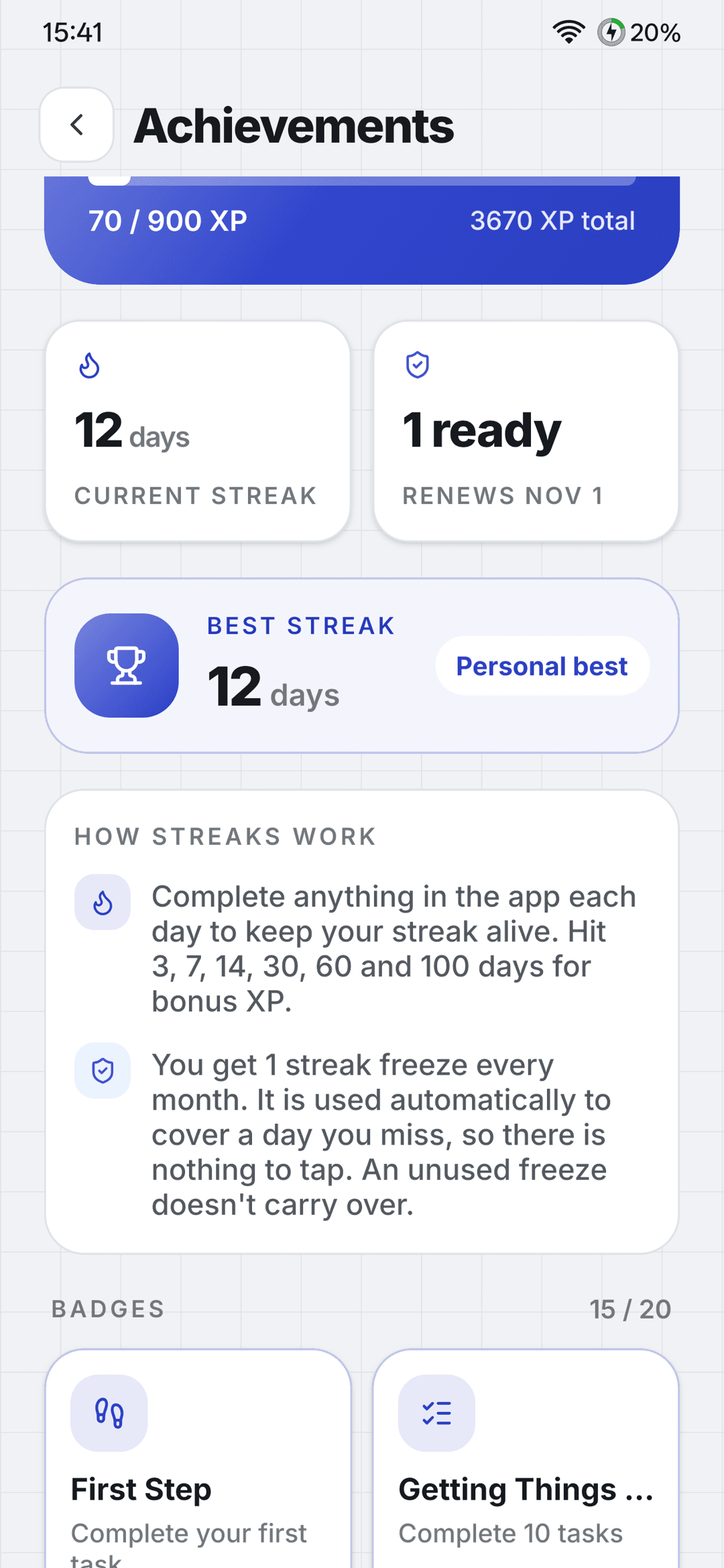
Motivation that rewards consistency
Earn XP for completing real things, not for opening the app. And when life gets in the way, a monthly streak freeze keeps your progress safe.
- XP for completing real things
- Levels and badges
- One automatic streak freeze per month
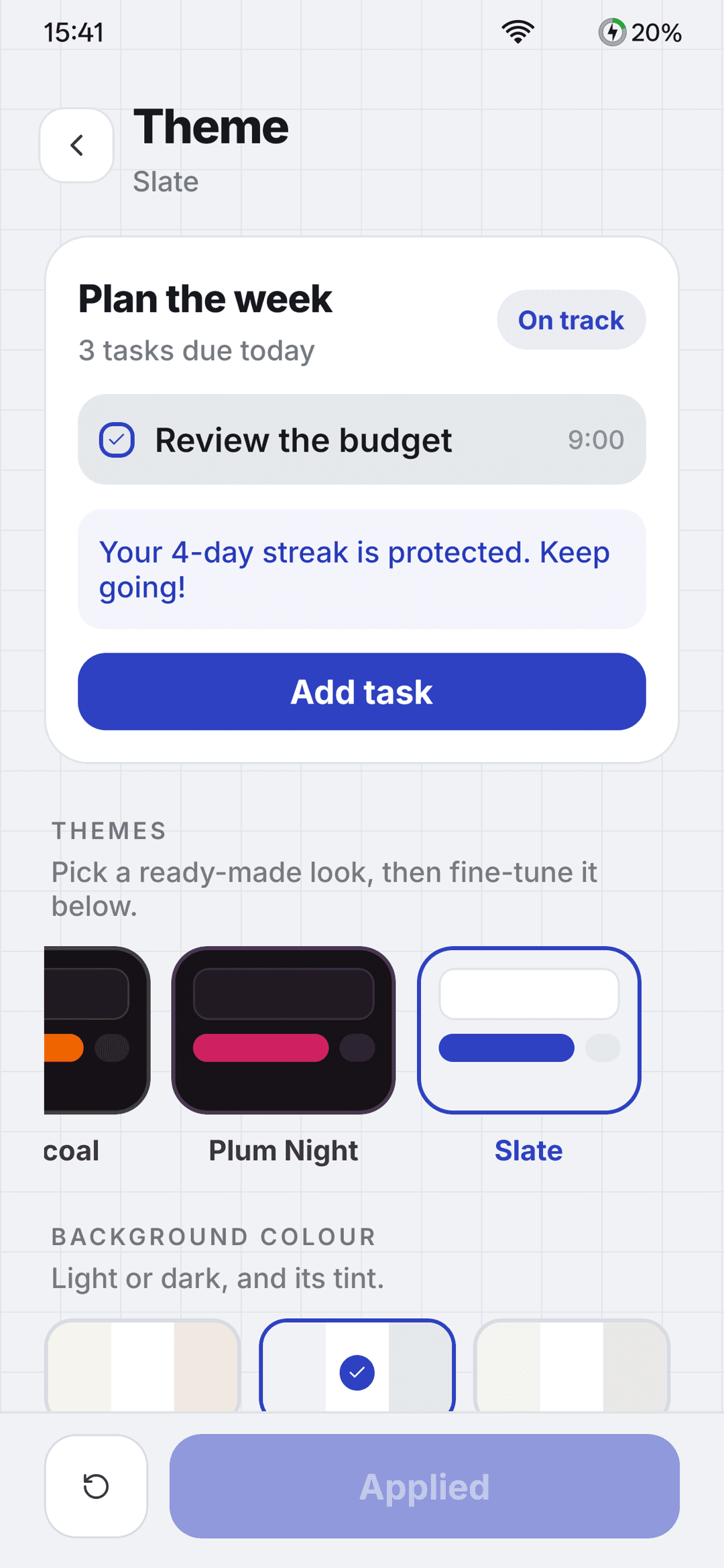
An app you want to open every day
Start from a preset or mix your own look, then pick the icon and bottom bar that suit the way you work.
- 12 presets, 13 surfaces, 9 backdrops and 9 accent colors
- Light and dark modes
- 10 alternate app icons
- A configurable bottom bar
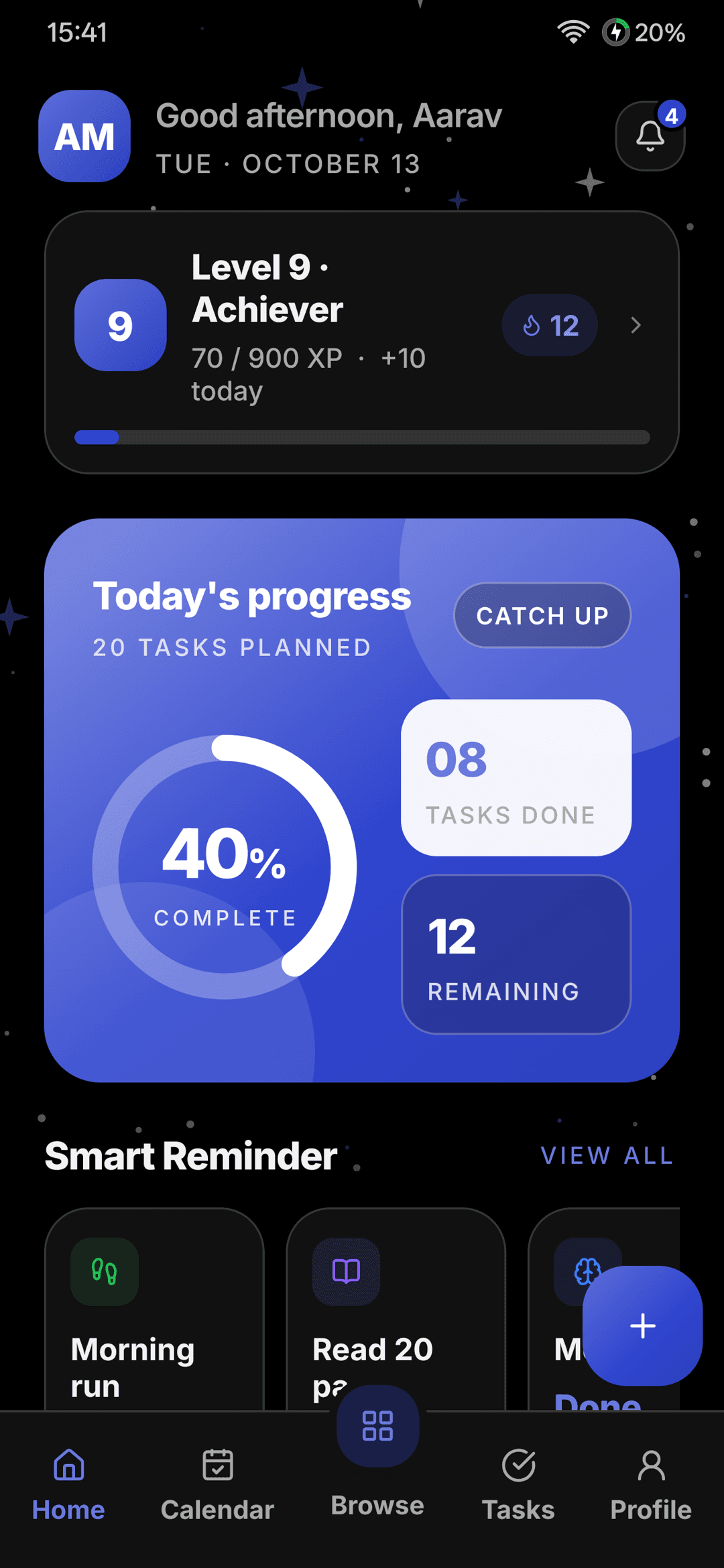 Dark modeEvery theme, light or dark
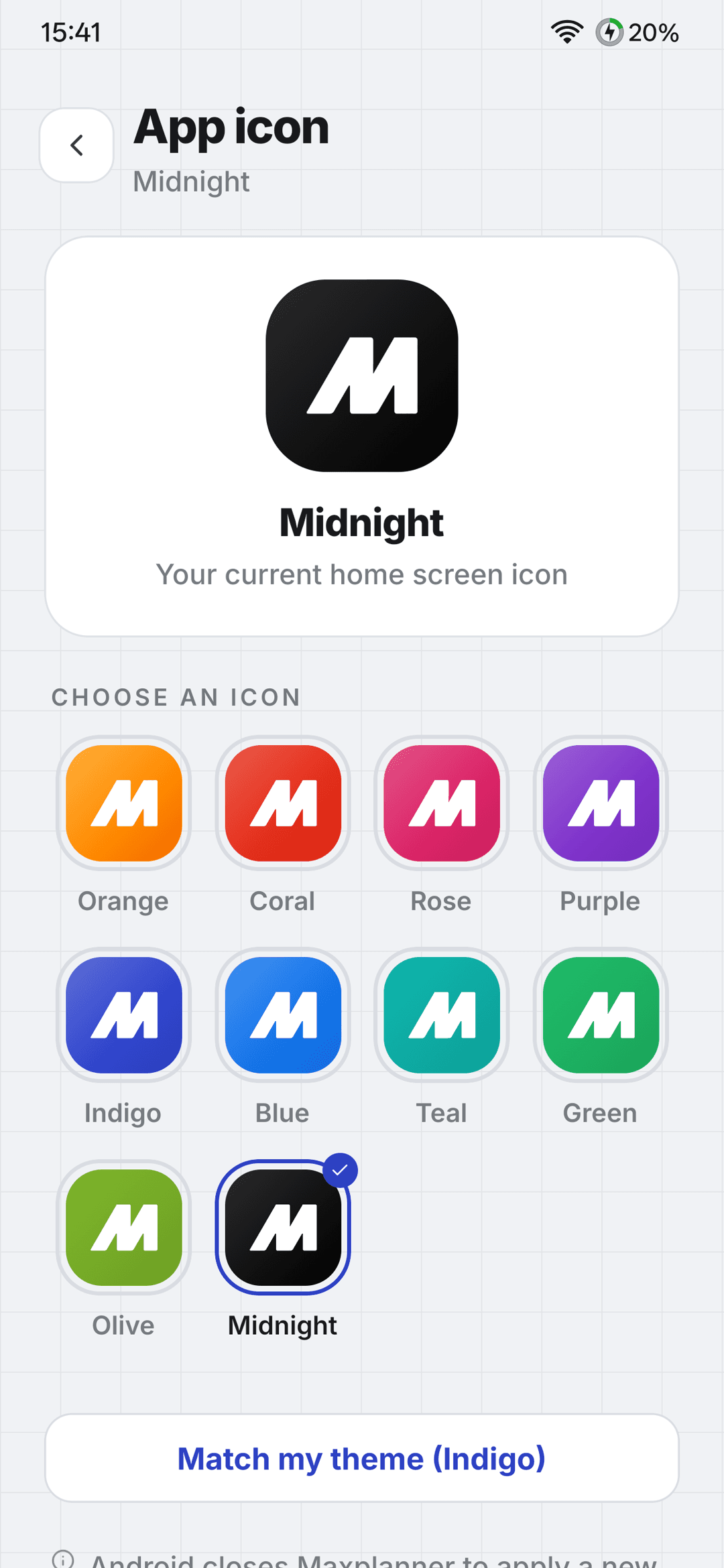 App icons10 to choose from
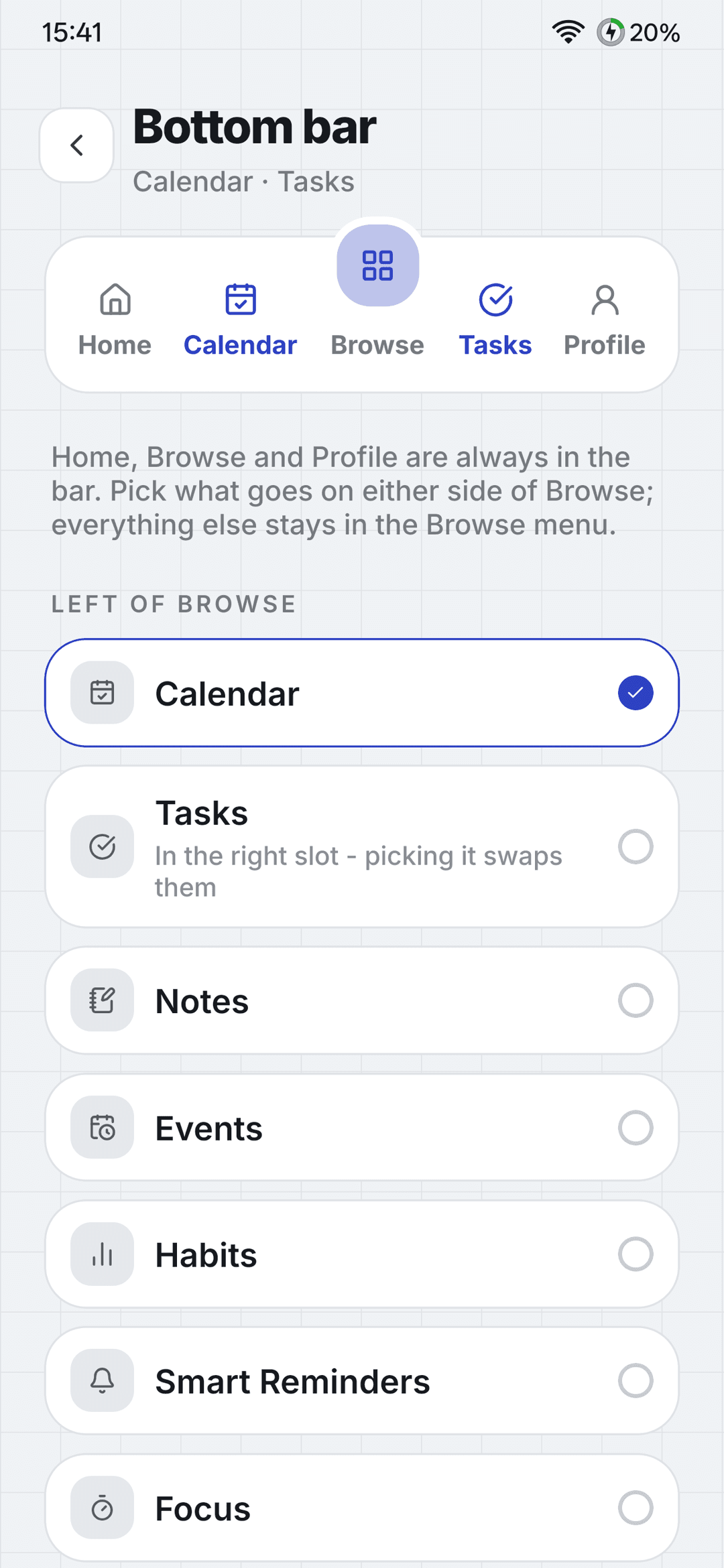 Bottom barPut your tools first
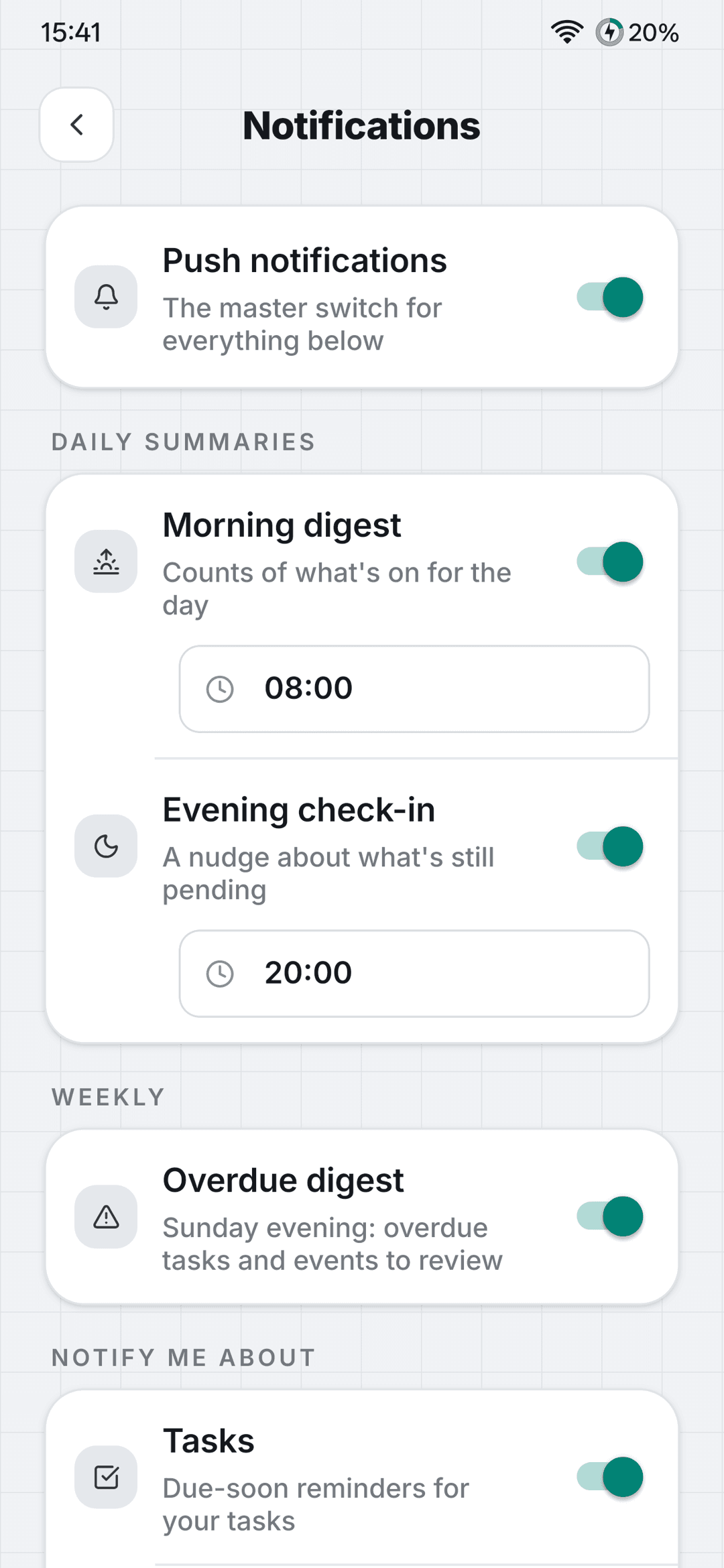
Notifications, done thoughtfully
Get the reminders you want and none you don’t. Summaries and digests keep you in the loop without a stream of pings.
- An in-app notification inbox
- A morning and evening daily summary
- A weekly overdue digest
- Per-category switches
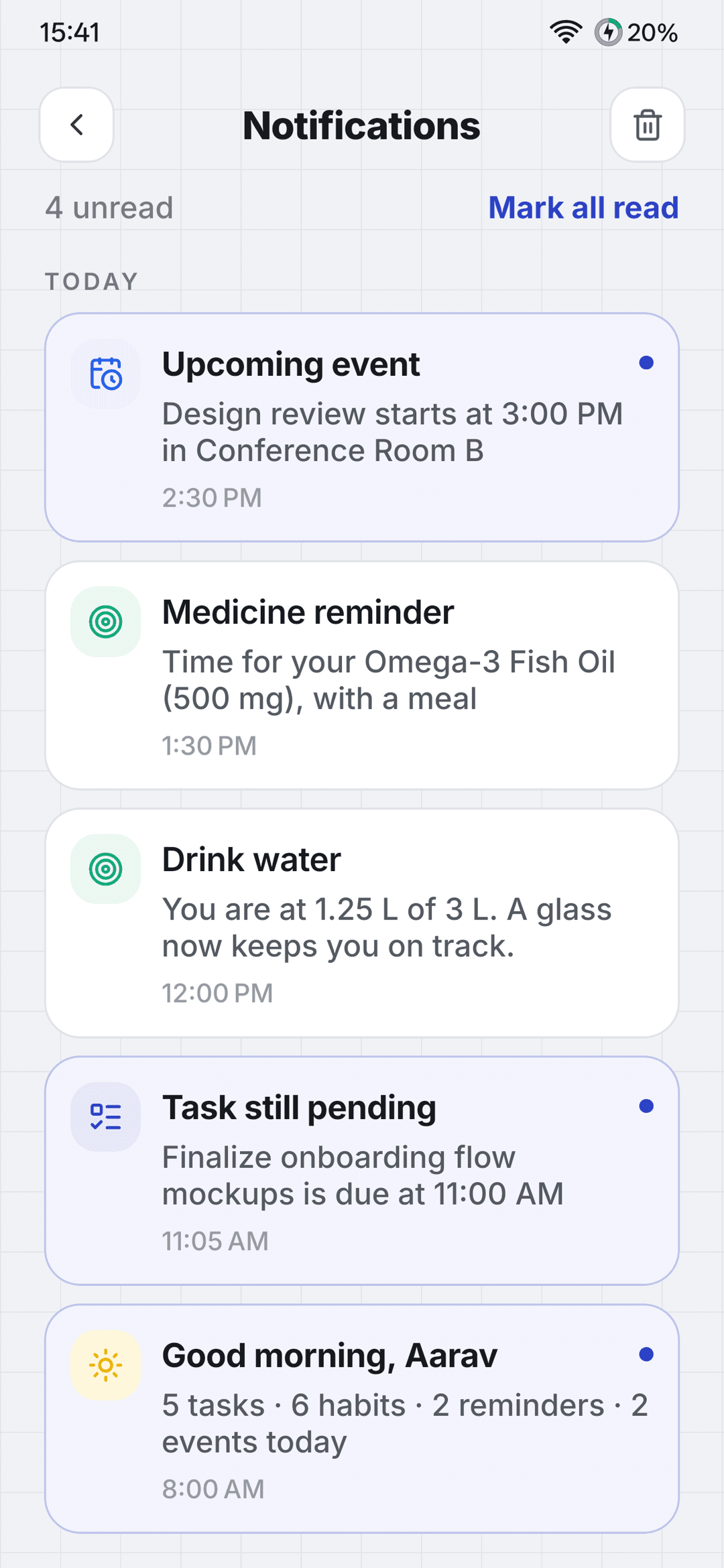
Your data stays yours
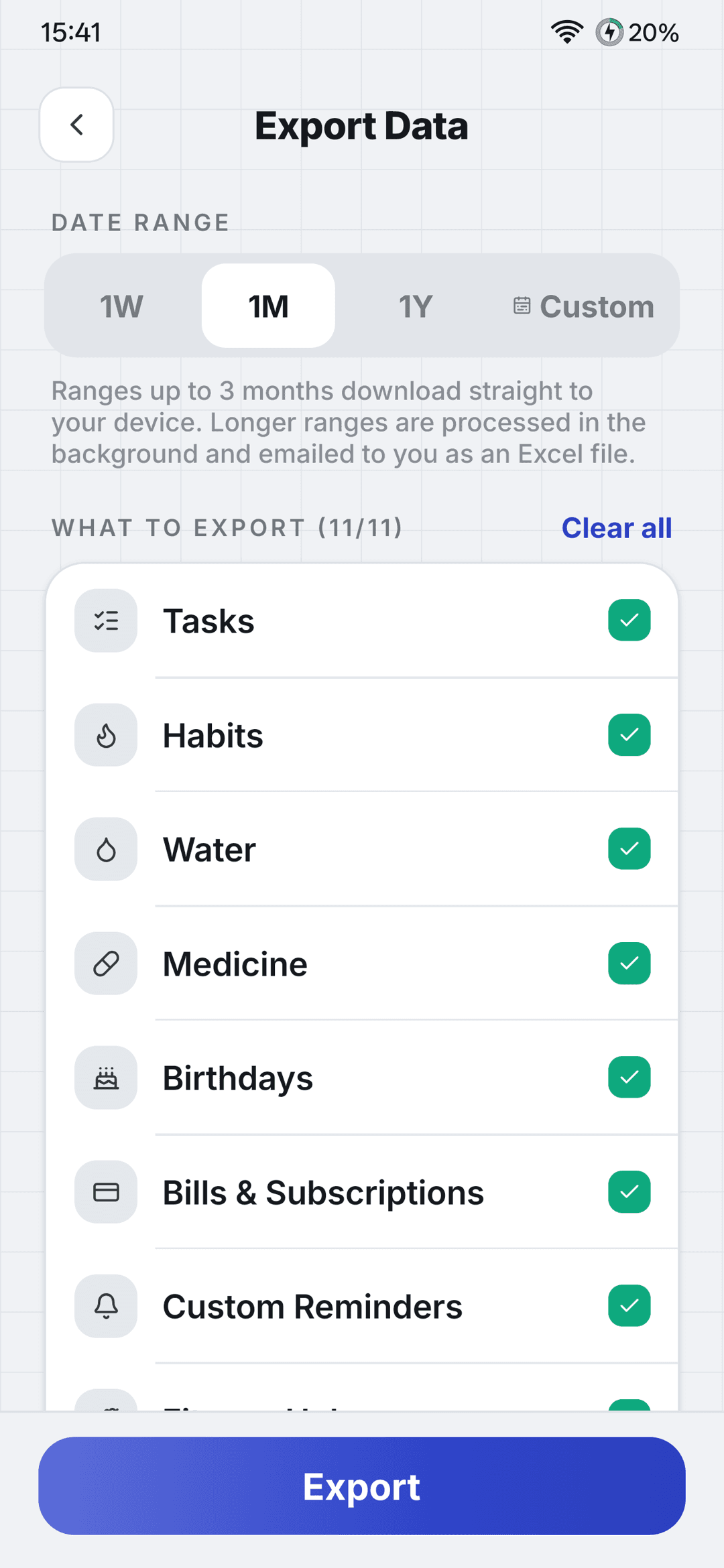
Take everything with you in a spreadsheet whenever you like, or delete your account from inside the app.
- Export to Excel, one sheet per module
- Delete your account in-app
- A clear privacy policy and terms
Try it before everyone else.
Join the beta to use MaxPlanner early and tell us what to build next. Access is by invitation, and we’ll email you next steps.